Can I Run It? — PC Game Compatibility & Performance Hub
Test your PC specs against 276+ games instantly. Discover your exact bottlenecks, realistic FPS targets, optimal graphics settings, and smart upgrade paths.
🖥️ Universal PC Compatibility Diagnostic
Configure your hardware once — instantly check compatibility against any PC game.
Test 117+ laptop presets, mobile GPU TGP wattages (RTX 4060/4050/3050), battery throttling, and AMD Radeon 780M / Intel Iris Xe iGPUs.
🎮 Featured PC Games Compatibility
Click any title to run instant 5-component diagnostic & FPS projection
World of Warcraft: Forever
 First-Person Survival Horror
Alkimya: House of Wisdom
 Real-Time Strategy (RTS)
StarCraft
 Action Role-Playing Game (ARPG)
Diablo 5
 Action Role-Playing Game (ARPG) / Live-Service
Diablo 4
 Colony Simulator / FPS Roguelite
Pax Autocratica
 Massively Multiplayer Roleplay Simulation
NoPixel V
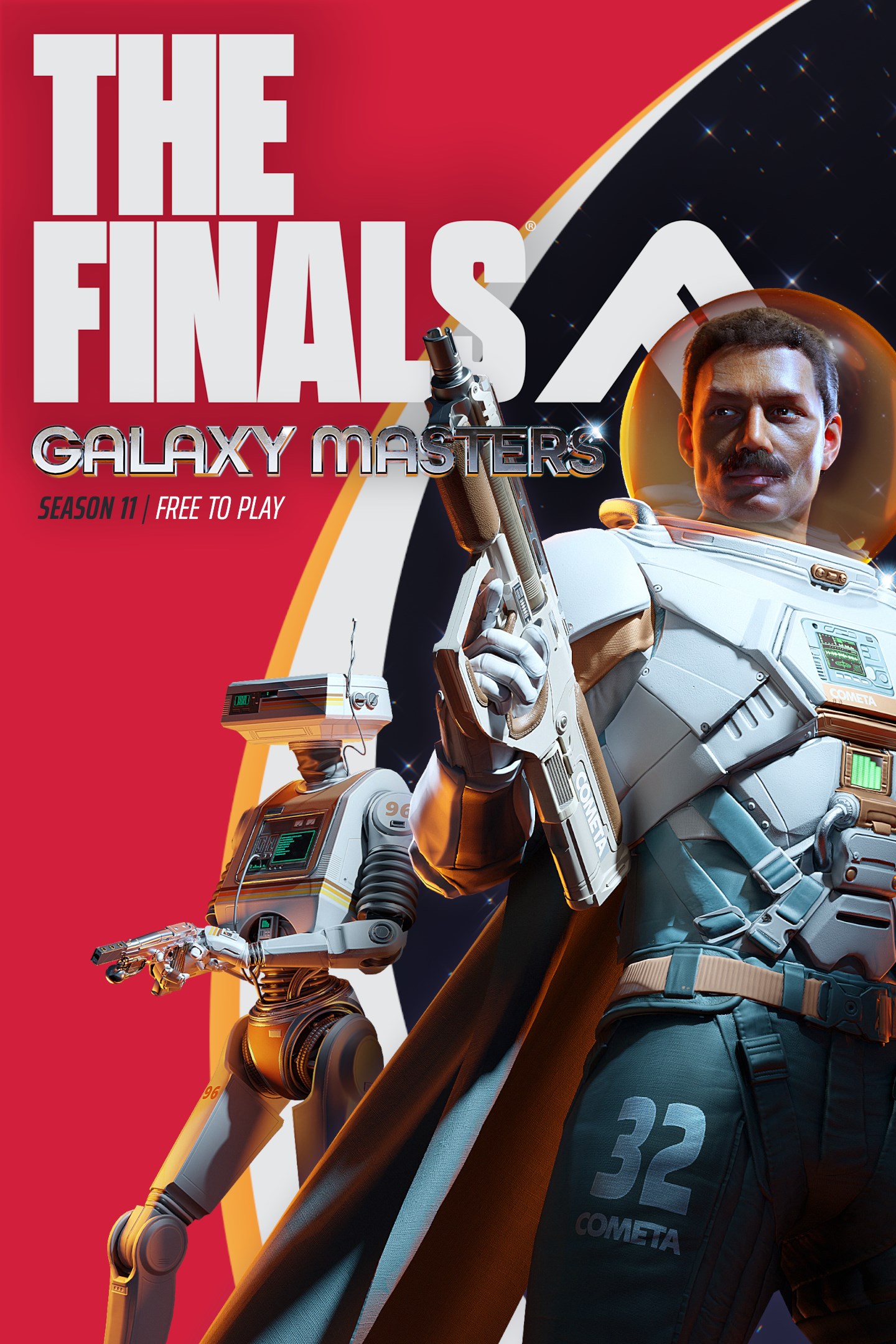 Competitive First-Person Shooter
THE FINALS
 Action-Adventure Sandbox
LEGO Batman: Legacy of the Dark Knight
 Tactical Military Simulation / FPS
Black One Blood Brothers
 Action-adventure survival
No Mans Sky: Cosmos
 Survival Crafting
Valheim Version 1.0
World of Warcraft: Forever
Alkimya: House of Wisdom
StarCraft
Diablo 5
Diablo 4
Pax Autocratica
NoPixel V
THE FINALS
Diablo 5
Diablo 4
LEGO Batman: Legacy of the Dark Knight
No Mans Sky: Cosmos

Cyberpunk 2077: Phantom Liberty

The Witcher IV: Project Polaris

Resonance: A Plague Tale Legacy

Elden Ring: Nightreign
Pax Autocratica
THE FINALS
Black One Blood Brothers
WARDOGS
Cyberpunk 2077: Phantom Liberty

Gallipoli

Helldivers 2
Arizona Sunshine Remake
📊 GPU Performance Tier & Resolution Matrix (2026)
Quick-reference guide to graphics card tiers, VRAM capacity, and expected framerate resolution scaling.
| Hardware Tier | Representative GPUs | Typical VRAM | Target Resolution | Expected Performance |
|---|---|---|---|---|
| Enthusiast 4K Max | RTX 5090 / 5080 / 4090 / 4080 Super / RX 7900 XTX | 16GB - 32GB | 4K (3840x2160) | 90-144+ FPS Ultra |
| High 1440p Sweet-Spot | RTX 5070 Ti / 4070 Super / 4070 Ti / RX 7800 XT / 7900 GRE | 12GB - 16GB | 1440p (2560x1440) | 75-120+ FPS High |
| Mid-Range 1080p High | RTX 4060 / 3060 / RX 7600 / Intel Arc B580 / RTX 3060 Ti | 8GB - 12GB | 1080p (1920x1080) | 60-90 FPS High |
| Budget / Entry-Level | GTX 1650 / 1660 Super / GTX 1060 / RX 6600 / RX 580 | 4GB - 8GB | 1080p / 720p | 45-60 FPS Med/Low |
📚 Browse All 276+ PC Games (A–Z)
Select any letter to explore verified system requirements and diagnostic tools for all PC titles












📖 Step-by-Step PC Hardware & Spec Guides
Everything you need to know about checking your system specs, interpreting minimum vs recommended requirements, and eliminating performance bottlenecks.
How to Check Your PC Specs on Windows
Press Win + R, type dxdiag and hit Enter to view your exact GPU model and driver version. Alternatively, press Ctrl + Shift + Esc to open Task Manager and check CPU cores, RAM speed, and SSD capacity under the Performance tab.
Minimum vs. Recommended Specs Explained
Minimum Specs: The bare minimum to launch the game, typically resulting in 720p/1080p at 30 FPS on Low settings. Recommended Specs: Designed for smooth 60+ FPS at 1080p/1440p High settings with full visual fidelity.
Understanding Bottlenecks & VRAM Limits
A bottleneck occurs when one slower component limits faster components. Pairing an RTX 4080 with an older 4-core CPU causes frametime drops, while 4K textures on an 8GB VRAM card cause sudden micro-stutters.
⚡ How Our PC Compatibility Engine Works
Our 4-pillar methodology separating verified developer requirements from estimated benchmark projections.
Official Requirements
Official Specs Cross-Referencing: Direct validation against developer hardware targets.
Normalized Benchmarks
Relative Benchmark Intelligence: Normalized GPU and CPU multi-tier passmark scoring.
Bottleneck Pinpointing
Bottleneck & VRAM Analysis: Pinpoint exact hardware limiters per resolution.
Zero Commercial Bias
Zero Commercial Bias: Honest dual-brand hardware options and cloud gaming alternatives.
❓ Frequently Asked Questions
Common questions about PC game compatibility testing, requirements checking, and hardware upgrades.
How does the Can I Run It PC compatibility checker work? +
Do I need to download or install any software to test my PC? +
What is the difference between Minimum and Recommended system requirements? +
Can I play modern games on integrated Intel UHD or AMD Radeon graphics? +
How much RAM and GPU VRAM do I need for PC gaming in 2026? +
What component should I upgrade first if my PC fails the test? +
PC Gaming Calculators & Performance Tuning Suite
Go beyond simple compatibility checks. Calculate GPU value, true RAM latency, PSU wattage, and monitor optics.
🖥️ Need Complete PC Build Recommendations?
Check out our 1080p, 1440p, and 4K custom PC build guides tailored specifically for every game in our database.