Can My PC Run It?
Free PC Game Compatibility Checker (2026)
Instantly test your GPU, CPU, RAM, and VRAM against 231+ modern PC games with zero downloads. Discover your exact hardware bottlenecks, realistic framerate projections (1080p, 1440p, 4K), and optimal graphics settings.
🖥️ Diagnostica Universale di Compatibilità PC
Configura il tuo hardware una volta sola — verifica la compatibilità con qualsiasi gioco PC all'istante.
🎮 Featured PC Games Compatibility
Click any title to run instant 5-component diagnostic & FPS projection
 Action-RPG / Soulslike
Mortal Shell II
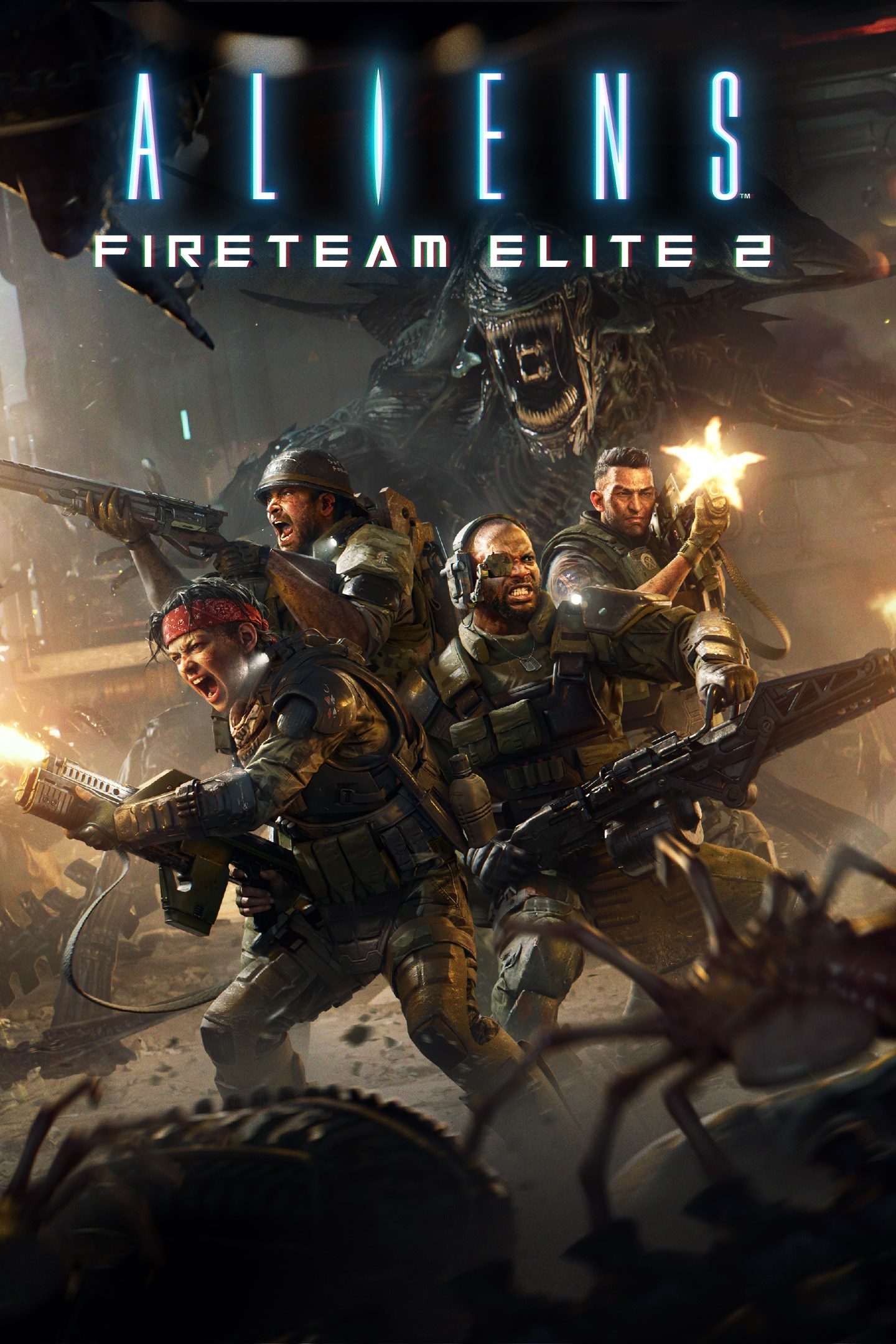 Cooperative PvE Tactical Shooter
Aliens: Fireteam Elite 2
 Action RPG / Souls-lite
Beast of Reincarnation
 Dark Fantasy Extraction ARPG
Mistfall Hunter
 Action RPG / Soulslike
Dinoblade
Neverness to Everness
 Action-Adventure / Character Action
Stellar Blade: Blood Rain
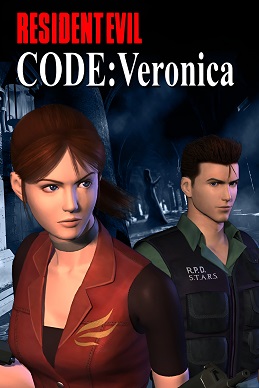 Survival Horror
Resident Evil Veronica
 Action Role-Playing Game (RPG)
Gothic 1 Remake
 Action-Adventure
Raji: Kaliyuga
 First-Person Shooter
Call of Duty: Modern Warfare 4
007 First Light
Mortal Shell II
Aliens: Fireteam Elite 2
Beast of Reincarnation
Mistfall Hunter
Dinoblade
Neverness to Everness
Stellar Blade: Blood Rain
Resident Evil Veronica
Mortal Shell II
Beast of Reincarnation
Mistfall Hunter
Dinoblade
Stellar Blade: Blood Rain
Gothic 1 Remake
Raji: Kaliyuga
007 First Light
Aliens: Fireteam Elite 2
Call of Duty: Modern Warfare 4

Far Far West
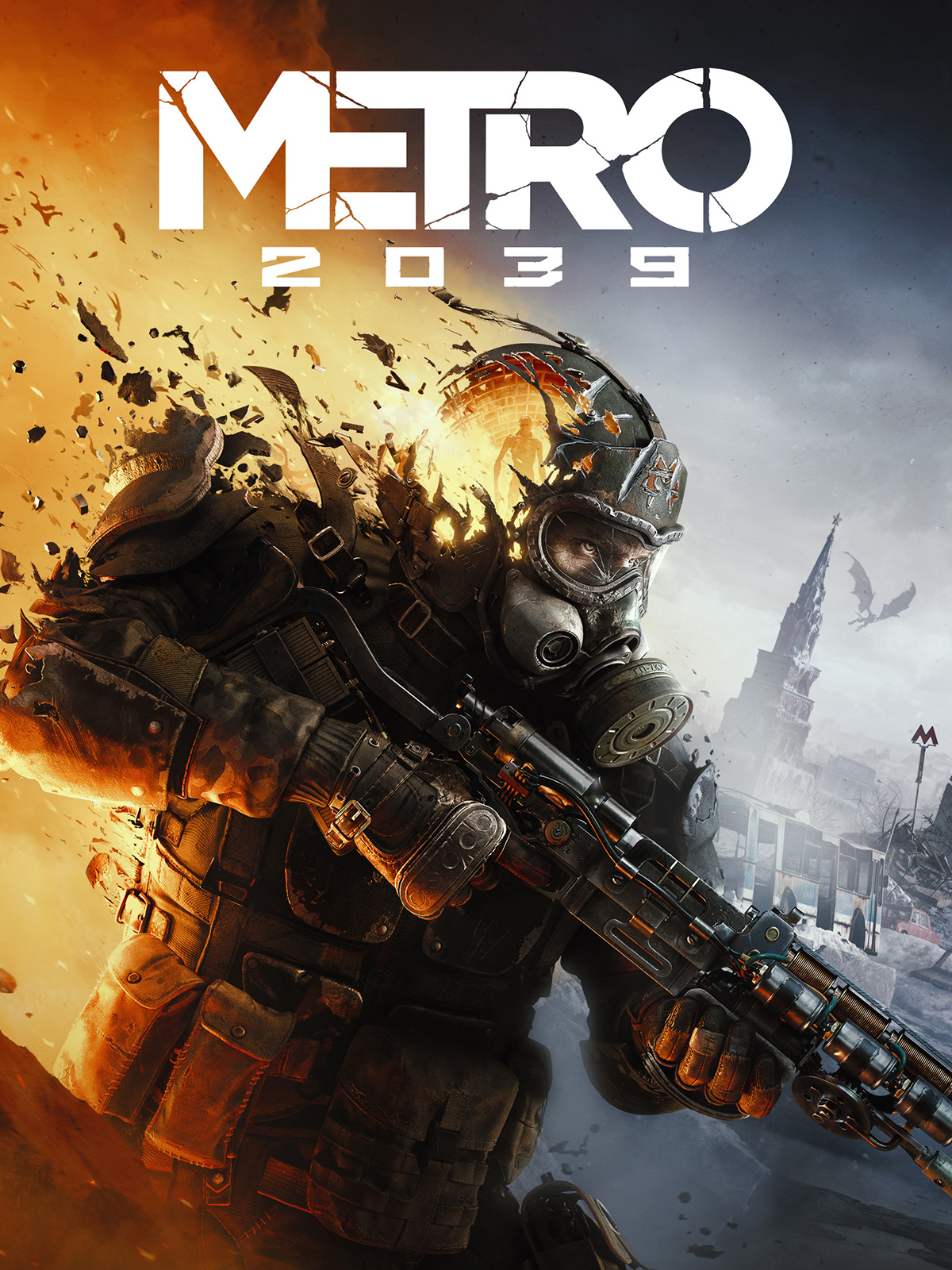
Metro 2039

Road to Vostok

The Expanse: Osiris Reborn

John Carpenter Toxic Commando

Marathon
📊 GPU Performance Tier & Resolution Matrix (2026)
Quick-reference guide to graphics card tiers, VRAM capacity, and expected framerate resolution scaling.
| Hardware Tier | Representative GPUs | Typical VRAM | Target Resolution | Expected Performance |
|---|---|---|---|---|
| Enthusiast 4K Max | RTX 5090 / 5080 / 4090 / 4080 Super / RX 7900 XTX | 16GB - 32GB | 4K (3840x2160) | 90-144+ FPS Ultra |
| High 1440p Sweet-Spot | RTX 5070 Ti / 4070 Super / 4070 Ti / RX 7800 XT / 7900 GRE | 12GB - 16GB | 1440p (2560x1440) | 75-120+ FPS High |
| Mid-Range 1080p High | RTX 4060 / 3060 / RX 7600 / Intel Arc B580 / RTX 3060 Ti | 8GB - 12GB | 1080p (1920x1080) | 60-90 FPS High |
| Budget / Entry-Level | GTX 1650 / 1660 Super / GTX 1060 / RX 6600 / RX 580 | 4GB - 8GB | 1080p / 720p | 45-60 FPS Med/Low |
📚 Browse All 231+ PC Games (A–Z)
Select any letter to explore verified system requirements and diagnostic tools for all PC titles

















📖 Step-by-Step PC Hardware & Spec Guides
Everything you need to know about checking your system specs, interpreting minimum vs recommended requirements, and eliminating performance bottlenecks.
How to Check Your PC Specs on Windows
Press Win + R, type dxdiag and hit Enter to view your exact GPU model and driver version. Alternatively, press Ctrl + Shift + Esc to open Task Manager and check CPU cores, RAM speed, and SSD capacity under the Performance tab.
Minimum vs. Recommended Specs Explained
Minimum Specs: The bare minimum to launch the game, typically resulting in 720p/1080p at 30 FPS on Low settings.
Recommended Specs: Designed for smooth 60+ FPS at 1080p/1440p High settings with full visual fidelity and stable frametimes.
Understanding Bottlenecks & VRAM Limits
A bottleneck occurs when one slower component prevents faster components from operating at full capacity. For instance, pairing a powerful RTX 4080 with an older 4-core CPU causes frametime drops, while running 4K textures on an 8GB VRAM card leads to sudden micro-stutters.
⚡ Come funziona il nostro motore di compatibilità
Our 4-pillar methodology separating verified developer requirements from estimated benchmark projections.
Official Requirements
Verifica con Specifiche Ufficiali: Validazione diretta con gli standard degli sviluppatori.
Normalized Benchmarks
Intelligence di Benchmark Relativi: Punteggi GPU e CPU normalizzati a più livelli.
Bottleneck Pinpointing
Analisi Colli di Bottiglia & VRAM: Identificazione esatta dei limiti hardware per risoluzione.
Zero Commercial Bias
Zero Pregiudizi Commerciali: Raccomandazioni imparziali e alternative di Cloud Gaming.
❓ Frequently Asked Questions
Common questions about PC game compatibility testing, requirements checking, and hardware upgrades.
How does the Can I Run It PC compatibility checker work? +
Do I need to download or install any software to test my PC? +
What is the difference between Minimum and Recommended system requirements? +
Can I play modern games on integrated Intel UHD or AMD Radeon graphics? +
How much RAM and GPU VRAM do I need for PC gaming in 2026? +
What component should I upgrade first if my PC fails the test? +
🖥️ Need Complete PC Build Recommendations?
Check out our 1080p, 1440p, and 4K custom PC build guides tailored specifically for every game in our database.