 NKB Gaming PC Builds
Light
Test your PC specs against 603+ games instantly. Discover your exact bottlenecks, realistic FPS targets, optimal graphics settings, and smart upgrade paths.
Configure your hardware once — instantly check compatibility against any PC game.
Will your favorite game launch on Windows 11 on Arm? Check verified Prism emulation tests, Ring 0 anti-cheat status, and 128GB unified memory benchmarks.
Click any title to run instant 5-component diagnostic & FPS projection
 Indie, Strategy, Free To Play
 Indie, Simulation
 Adventure, Casual, Indie
 Physics Proximity Flying Simulator, Extreme Sports, Aerodynamics Flight, VR Simulation, Open World Adventure
ESTIMATED SPECS
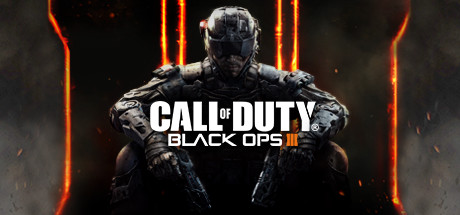 Action, Adventure, First-Person Shooter
 Handcrafted Cardboard Stop-Motion Adventure, Narrative Logic Puzzle, Dystopian Satire
 Cozy Automation, Alchemy Simulation, Roguelite Management, Strategy Adventure
 3D Anime Action Hack & Slash, 3D Bullet Hell, Fast-Paced Character Action, Japanese Fantasy
 Psychological Horror, Analog Sci-Fi Mystery, First-Person Survival, Atmospheric Simulation
 3D First-Person Puzzle-Adventure, Logic Simulation, Atmospheric Exploration, Mystery
 Action, Adventure, Free To Play
 Racing, Simulation, Sports, Early Access







Quick-reference guide to graphics card tiers, VRAM capacity, and expected framerate resolution scaling.
| Hardware Tier | Representative GPUs | Typical VRAM | Target Resolution | Expected Performance |
|---|---|---|---|---|
| Enthusiast 4K Max | RTX 5090 / 5080 / 4090 / 4080 Super / RX 7900 XTX | 16GB - 32GB | 4K (3840x2160) | 90-144+ FPS Ultra |
| High 1440p Sweet-Spot | RTX 5070 Ti / 4070 Super / 4070 Ti / RX 7800 XT / 7900 GRE | 12GB - 16GB | 1440p (2560x1440) | 75-120+ FPS High |
| Mid-Range 1080p High | RTX 4060 / 3060 / RX 7600 / Intel Arc B580 / RTX 3060 Ti | 8GB - 12GB | 1080p (1920x1080) | 60-90 FPS High |
| Budget / Entry-Level | GTX 1650 / 1660 Super / GTX 1060 / RX 6600 / RX 580 | 4GB - 8GB | 1080p / 720p | 45-60 FPS Med/Low |
Select any letter to explore verified system requirements and diagnostic tools for all PC titles















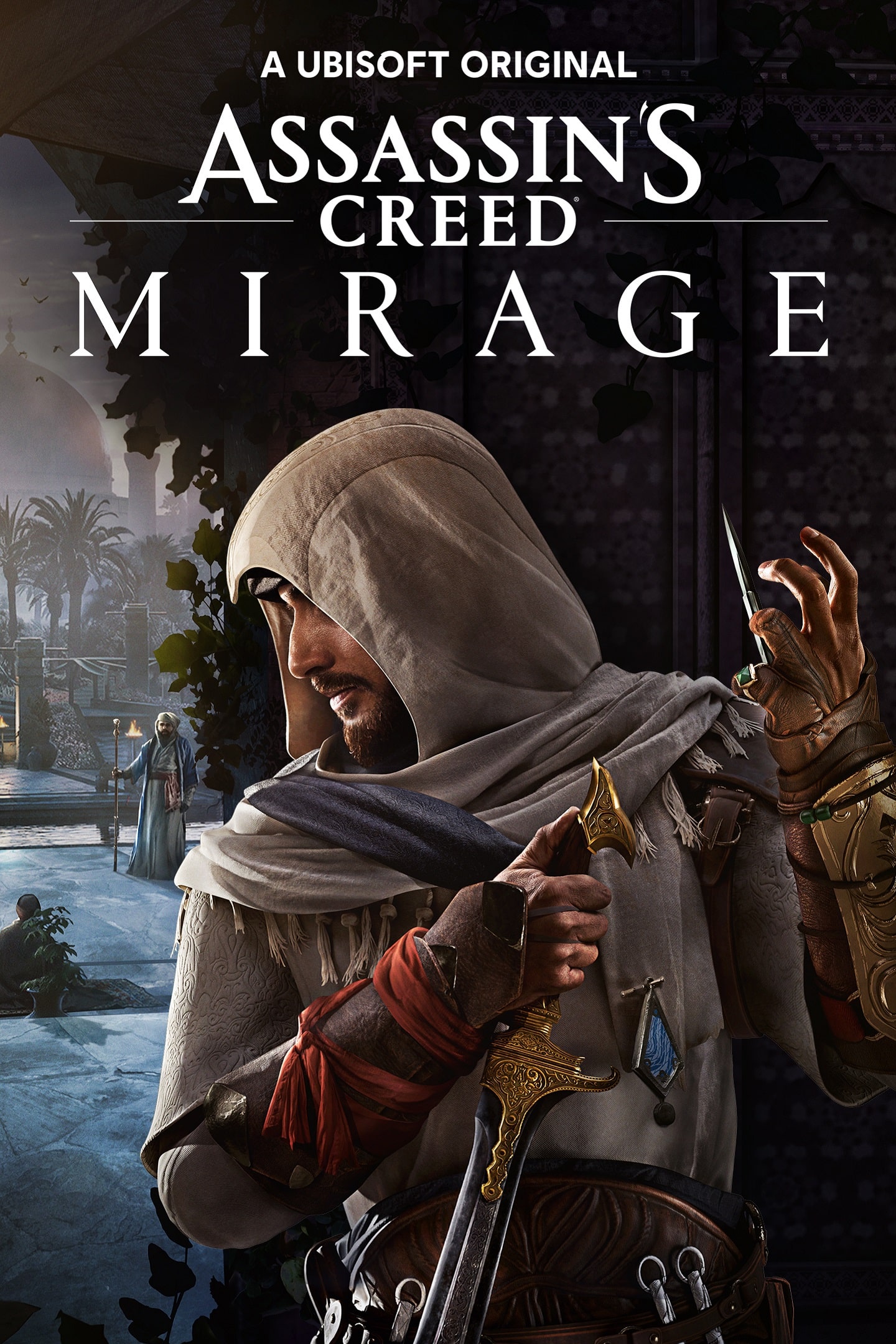
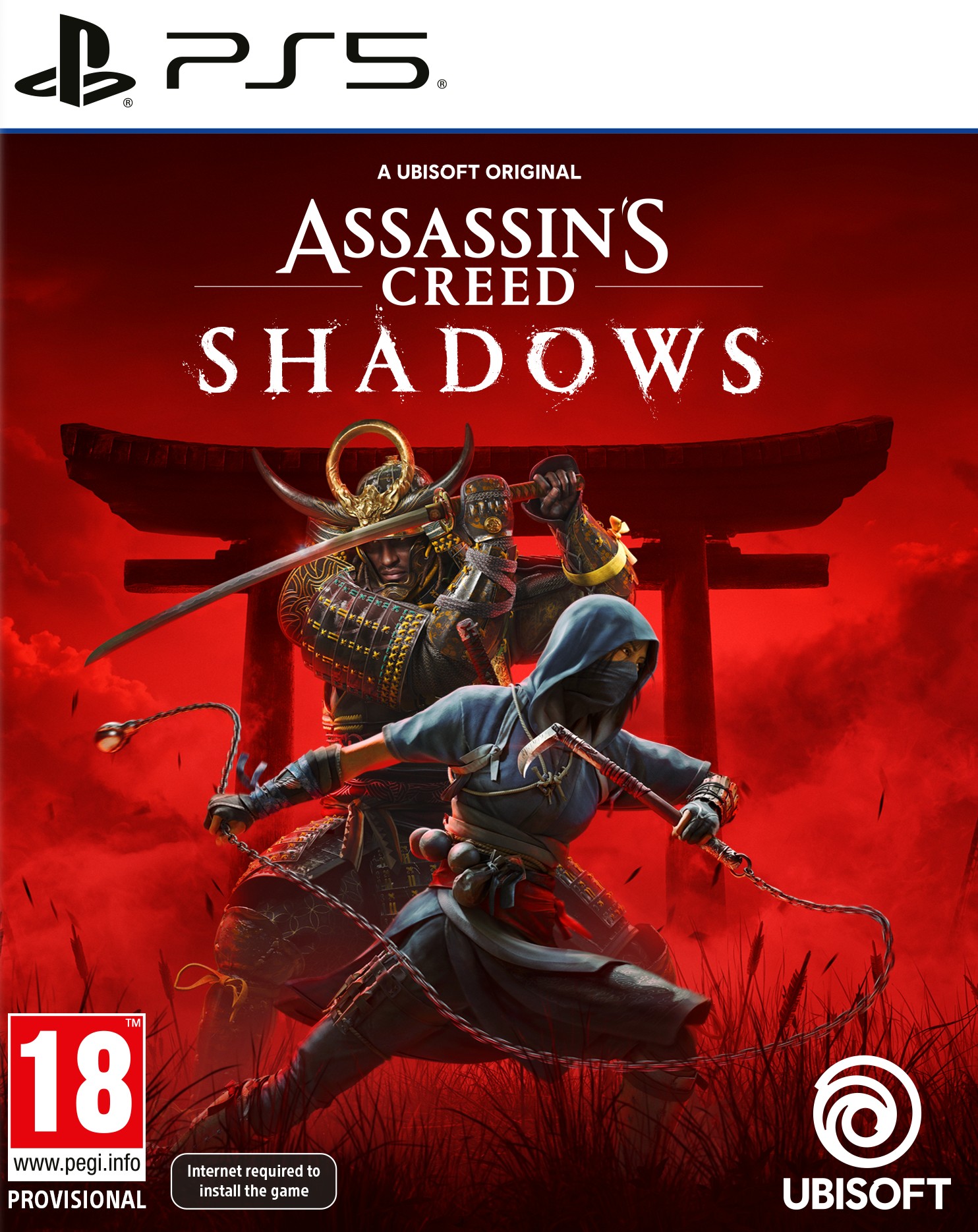


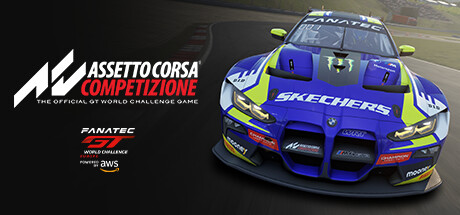

Everything you need to know about checking your system specs, interpreting minimum vs recommended requirements, and eliminating performance bottlenecks.
Press Win + R, type dxdiag and hit Enter to view your exact GPU model and driver version. Alternatively, press Ctrl + Shift + Esc to open Task Manager and check CPU cores, RAM speed, and SSD capacity under the Performance tab.
Minimum Specs: The bare minimum to launch the game, typically resulting in 720p/1080p at 30 FPS on Low settings. Recommended Specs: Designed for smooth 60+ FPS at 1080p/1440p High settings with full visual fidelity.
A bottleneck occurs when one slower component limits faster components. Pairing an RTX 4080 with an older 4-core CPU causes frametime drops, while 4K textures on an 8GB VRAM card cause sudden micro-stutters.
Our 4-pillar methodology separating verified developer requirements from estimated benchmark projections.
Official Specs Cross-Referencing: Direct validation against developer hardware targets.
Relative Benchmark Intelligence: Normalized GPU and CPU multi-tier passmark scoring.
Bottleneck & VRAM Analysis: Pinpoint exact hardware limiters per resolution.
Zero Commercial Bias: Honest dual-brand hardware options and cloud gaming alternatives.
Common questions about PC game compatibility testing, requirements checking, and hardware upgrades.
Go beyond simple compatibility checks. Calculate GPU value, true RAM latency, PSU wattage, and monitor optics.
Check out our 1080p, 1440p, and 4K custom PC build guides tailored specifically for every game in our database.
Auto-detect your GPU & check live 60-point FPS diagnostics directly on Steam & Epic store pages.