☀️ Light
⚡ Compatibility Engine v2.5 • 603+ PC Games

Can I Run It? — PC Game Compatibility & Performance Hub

Test your PC specs against 603+ games instantly. Discover your exact bottlenecks, realistic FPS targets, optimal graphics settings, and smart upgrade paths.

🔍
⚡ 100% Free & No Downloads 🎮 603+ Games Benchmarked 🎯 1080p, 1440p & 4K FPS Projections 🔍 Real-Time Bottleneck Pinpointing

🖥️ Universal PC Compatibility Diagnostic

Configure your hardware once — instantly check compatibility against any PC game.

💻
Open Laptop Checker Hub →
⚡
New 2026 Platform • Windows on Arm Diagnostics
NVIDIA RTX Spark Platform & Anti-Cheat Compatibility Hub

Will your favorite game launch on Windows 11 on Arm? Check verified Prism emulation tests, Ring 0 anti-cheat status, and 128GB unified memory benchmarks.

Explore RTX Spark Hub →

🎮 Featured PC Games Compatibility

Click any title to run instant 5-component diagnostic & FPS projection

📚 All Games (A–Z) →

📊 GPU Performance Tier & Resolution Matrix (2026)

Quick-reference guide to graphics card tiers, VRAM capacity, and expected framerate resolution scaling.

Hardware Tier Representative GPUs Typical VRAM Target Resolution Expected Performance
Enthusiast 4K Max RTX 5090 / 5080 / 4090 / 4080 Super / RX 7900 XTX 16GB - 32GB 4K (3840x2160) 90-144+ FPS Ultra
High 1440p Sweet-Spot RTX 5070 Ti / 4070 Super / 4070 Ti / RX 7800 XT / 7900 GRE 12GB - 16GB 1440p (2560x1440) 75-120+ FPS High
Mid-Range 1080p High RTX 4060 / 3060 / RX 7600 / Intel Arc B580 / RTX 3060 Ti 8GB - 12GB 1080p (1920x1080) 60-90 FPS High
Budget / Entry-Level GTX 1650 / 1660 Super / GTX 1060 / RX 6600 / RX 580 4GB - 8GB 1080p / 720p 45-60 FPS Med/Low

📚 Browse All 603+ PC Games (A–Z)

Select any letter to explore verified system requirements and diagnostic tools for all PC titles

Can I Run TaCam
TaCam
Action, Indie, Simulation
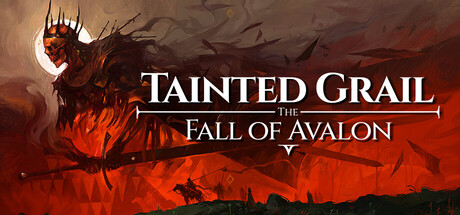
Can I Run Tainted Grail: The Fall of Avalon
Tainted Grail: The Fall of Avalon
Action, Adventure, Indie, RPG
Can I Run Teardown
Teardown
Sandbox, Physics, Destruction, Heist, Puzzle, Action
Can I Run Tekken 8
Tekken 8
Fighting, 3D Martial Arts, Competitive, Multiplayer
Can I Run Temtem: Pioneers
Temtem: Pioneers
Open-World Survival Craft, Creature Collector, Multiplayer Action RPG, Co-op Adventure
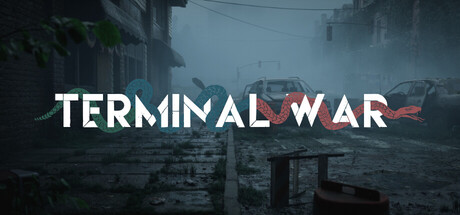
Can I Run Terminal War
Terminal War
Tactical Third-Person Shooter
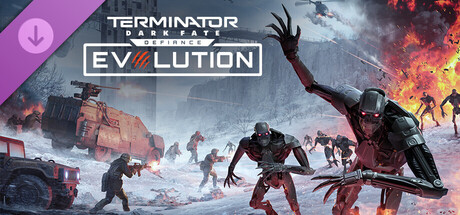
Can I Run Terminator: Dark Fate Defiance Evolution
Terminator: Dark Fate Defiance Evolution
Real-Time Strategy, Tactical RTS, Wargame, Sci-Fi
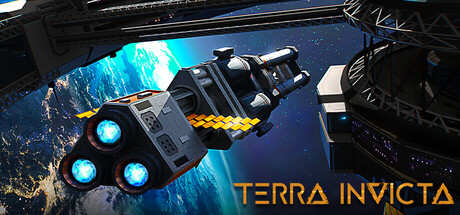
Can I Run Terra Invicta
Terra Invicta
Grand Strategy, 4X, Geopolitical Simulation
Can I Run Terrible Lizards
Terrible Lizards
Action, Adventure, Indie, First-Person Horror, Parkour Platformer
Can I Run Test Drive Unlimited Solar Crown
Test Drive Unlimited Solar Crown
Open-World Racing, Driving Simulation, Multiplayer Lifestyle, Luxury Automotive
Can I Run The Alters
The Alters
Sci-Fi Survival, Base Building, Adventure, Psychological Drama
Can I Run The Artisan of Glimmith
The Artisan of Glimmith
3D First-Person Puzzle-Adventure, Logic Simulation, Atmospheric Exploration, Mystery
Can I Run The Ascent
The Ascent
Action RPG, Twin-Stick Shooter, Cyberpunk, Co-Op, Indie
Can I Run The Blood of Dawnwalker
The Blood of Dawnwalker
Action Role-Playing Game (RPG)
Can I Run The Callisto Protocol
The Callisto Protocol
Survival Horror, Third-Person Action, Sci-Fi Horror, Gore
Can I Run The Cat in the Hat: Rainy Day Mayhem
The Cat in the Hat: Rainy Day Mayhem
Family Party Game, 3D Platformer, 4-Player Local & Online Co-op
Can I Run The Dark West
The Dark West
Action RPG, Occult Western, Hack and Slash, Dark Fantasy
Can I Run The Division 2: Echoes of Central Park
The Division 2: Echoes of Central Park
Action RPG, Third-Person Looter Shooter, MMO
Can I Run The Elder Scrolls IV: Oblivion Remastered
The Elder Scrolls IV: Oblivion Remastered
Open-World Role-Playing Game
Can I Run The Elder Scrolls V: Skyrim Special Edition
The Elder Scrolls V: Skyrim Special Edition
Open-World Action RPG, Fantasy Adventure, First-Person / Third-Person RPG
Can I Run The Expanse: Osiris Reborn
The Expanse: Osiris Reborn
Action Role-Playing Game (ARPG), Third-Person Shooter
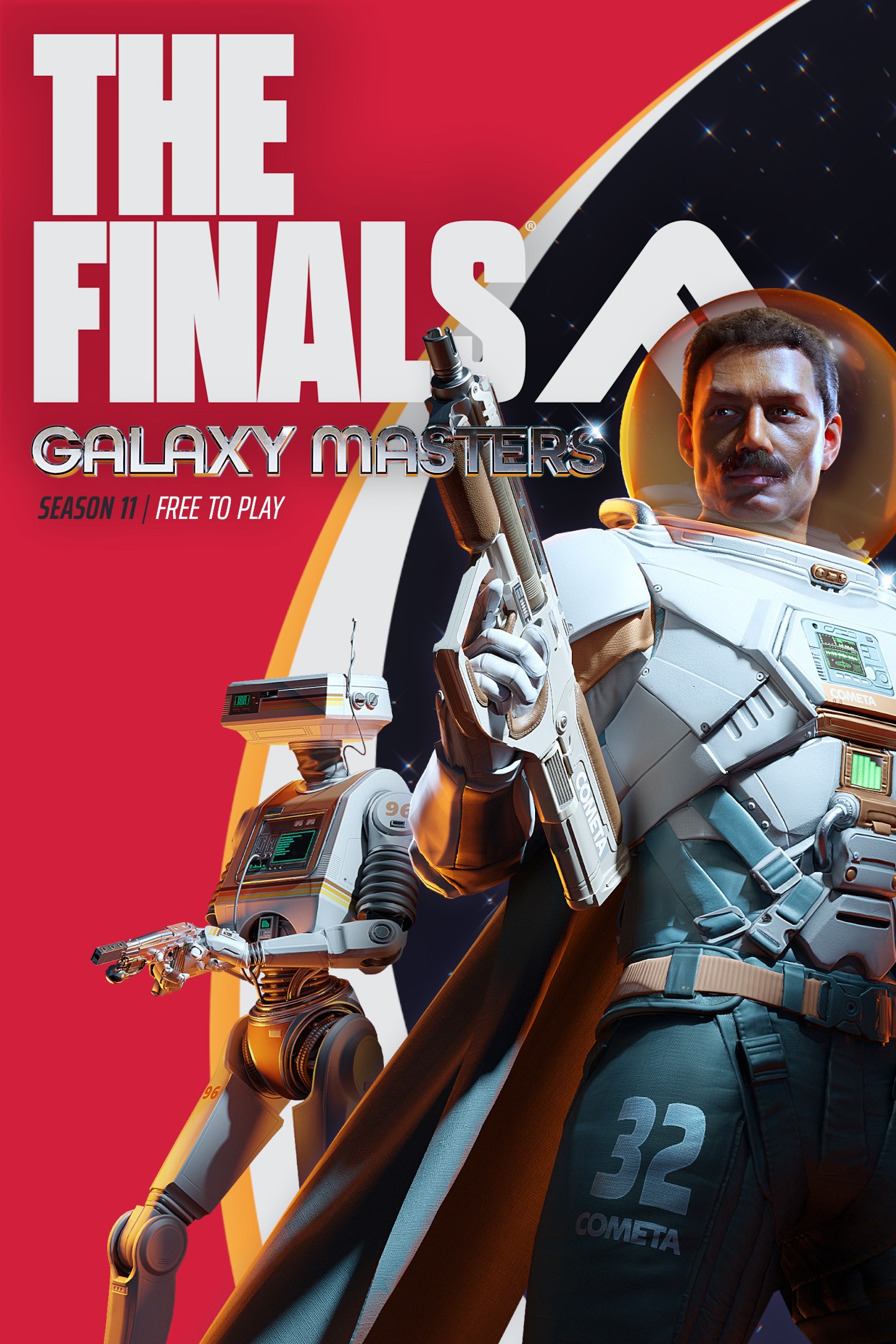
Can I Run THE FINALS
THE FINALS
Competitive First-Person Shooter
Can I Run The First Berserker: Khazan
The First Berserker: Khazan
Action Role-Playing (Action RPG), Soulslike, Hack and slash
Can I Run The First Descendant
The First Descendant
Third-Person Looter Shooter, Action RPG, Co-op, Sci-Fi
Can I Run The Forest
The Forest
Survival Horror, Action-Adventure, Open World, Crafting, Multiplayer
Can I Run The Guild 1 Remake: Europa 1410
The Guild 1 Remake: Europa 1410
Medieval Economic Simulation, Dynasty Management, RPG
Can I Run The Isle
The Isle
Action, Adventure, Indie, Massively Multiplayer, Simulation, Survival Horror
Can I Run The Last of Us Part I
The Last of Us Part I
Post-Apocalyptic Survival Action, Third-Person Shooter, Emotional Narrative
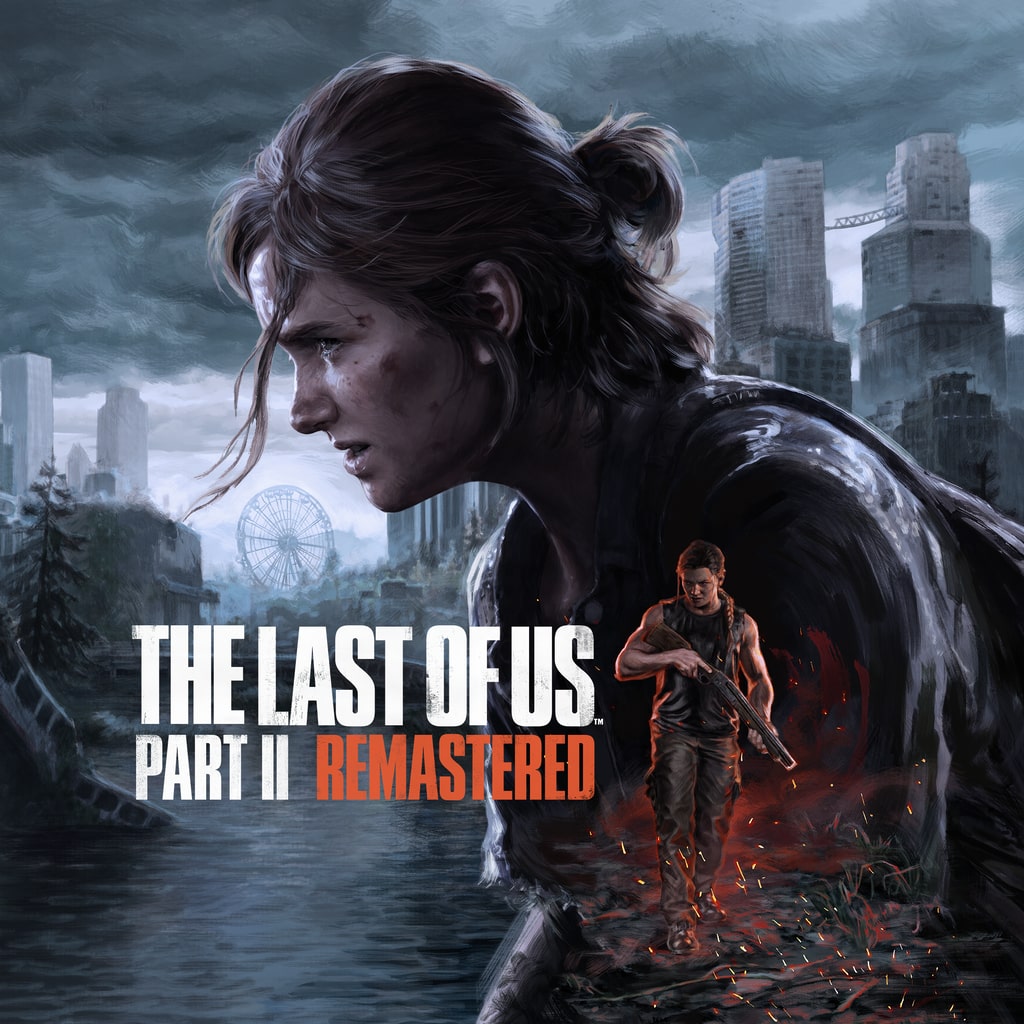
Can I Run The Last of Us Part II
The Last of Us Part II
Action-Adventure, Survival Horror, Third-Person Shooter, Stealth
Can I Run The Legend of California
The Legend of California
Open-World Survival, Frontier Homesteading, Action-Adventure, Simulation, RPG
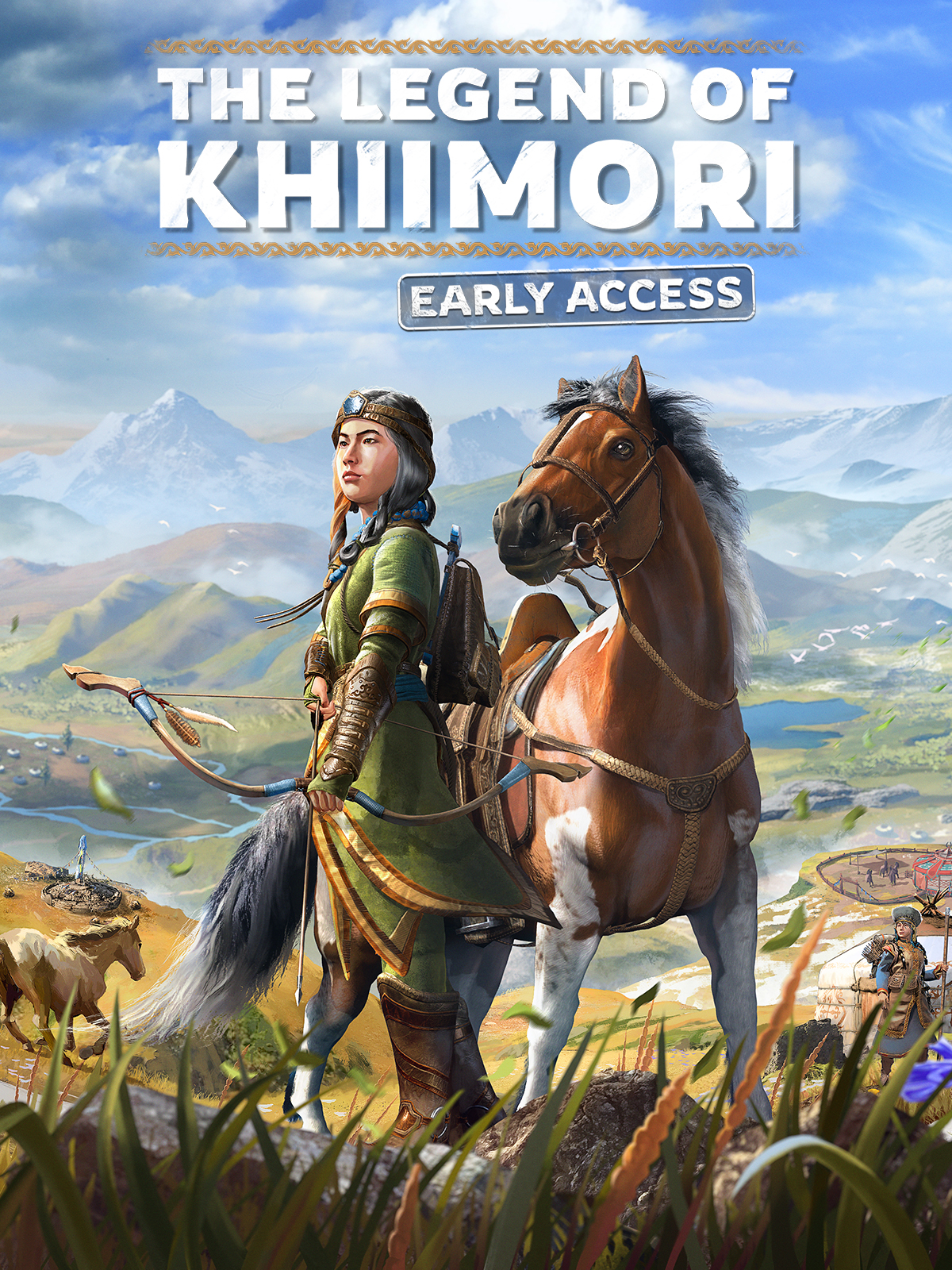
Can I Run The Legend of Khiimori
The Legend of Khiimori
Open-World Action-Adventure, Survival Simulation
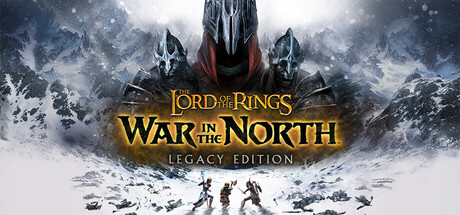
Can I Run The Lord of the Rings: War in the North - Legacy Edition
The Lord of the Rings: War in the North - Legacy Edition
Action RPG, Hack-and-Slash, Co-Op Adventure
Can I Run The Lost Wild
The Lost Wild
First-Person Survival Horror
Can I Run The Midnighters
The Midnighters
Action, Adventure, Indie
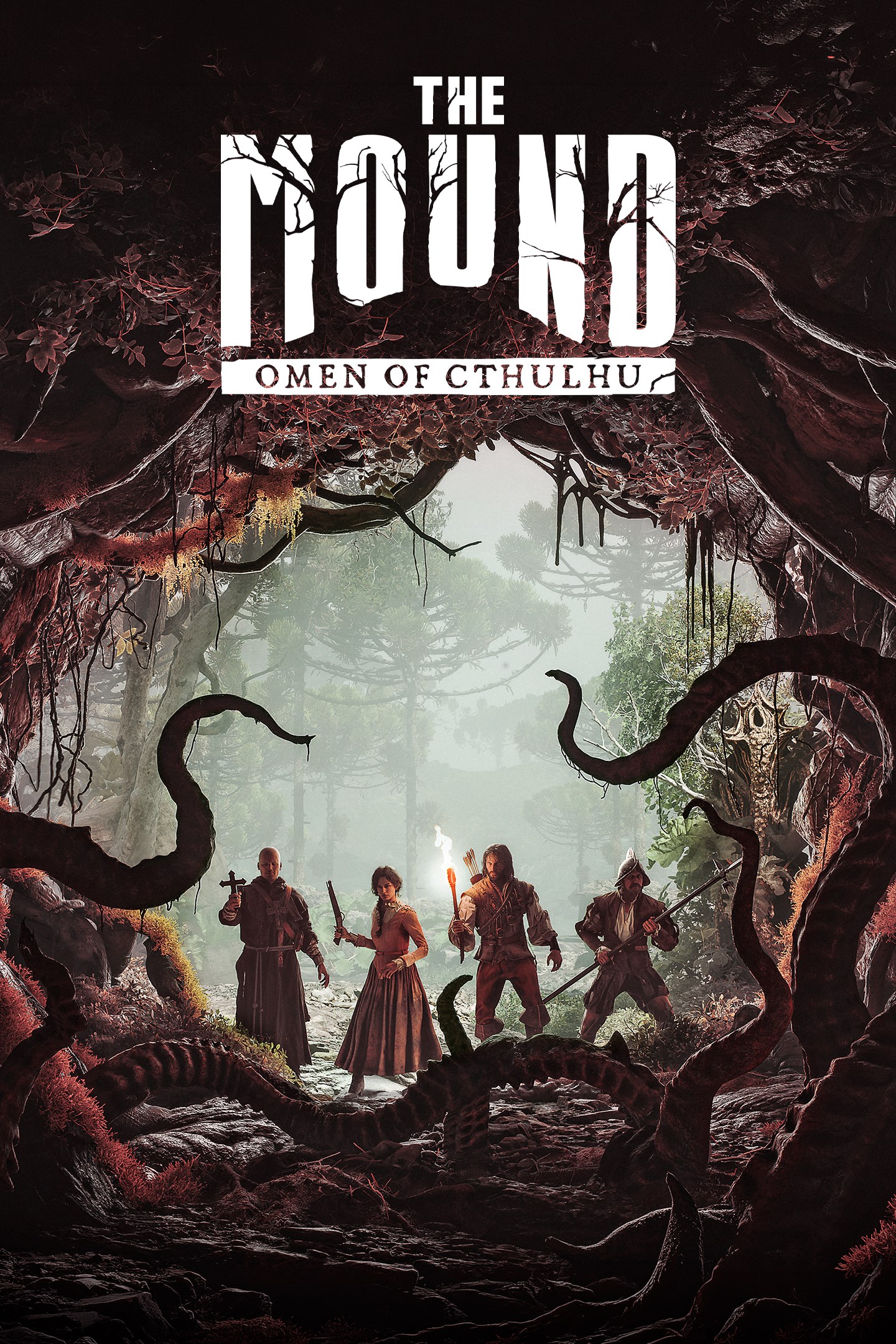
Can I Run The Mound: Omen of Cthulhu
The Mound: Omen of Cthulhu
Co-op Horror Adventure
Can I Run The Occultist
The Occultist
First-Person Psychological Horror, Investigative Thriller

📖 Step-by-Step PC Hardware & Spec Guides

Everything you need to know about checking your system specs, interpreting minimum vs recommended requirements, and eliminating performance bottlenecks.

1

How to Check Your PC Specs on Windows

Press Win + R, type dxdiag and hit Enter to view your exact GPU model and driver version. Alternatively, press Ctrl + Shift + Esc to open Task Manager and check CPU cores, RAM speed, and SSD capacity under the Performance tab.

⚡ 30-Second Built-in Method
2

Minimum vs. Recommended Specs Explained

Minimum Specs: The bare minimum to launch the game, typically resulting in 720p/1080p at 30 FPS on Low settings. Recommended Specs: Designed for smooth 60+ FPS at 1080p/1440p High settings with full visual fidelity.

🎯 Target 60+ FPS Always
3

Understanding Bottlenecks & VRAM Limits

A bottleneck occurs when one slower component limits faster components. Pairing an RTX 4080 with an older 4-core CPU causes frametime drops, while 4K textures on an 8GB VRAM card cause sudden micro-stutters.

🔍 Balanced Pairing Matters

⚡ How Our PC Compatibility Engine Works

Our 4-pillar methodology separating verified developer requirements from estimated benchmark projections.

📋

Official Requirements

Official Specs Cross-Referencing: Direct validation against developer hardware targets.

📊

Normalized Benchmarks

Relative Benchmark Intelligence: Normalized GPU and CPU multi-tier passmark scoring.

🔍

Bottleneck Pinpointing

Bottleneck & VRAM Analysis: Pinpoint exact hardware limiters per resolution.

⚖️

Zero Commercial Bias

Zero Commercial Bias: Honest dual-brand hardware options and cloud gaming alternatives.

❓ Frequently Asked Questions

Common questions about PC game compatibility testing, requirements checking, and hardware upgrades.

How does the Can I Run It PC compatibility checker work? +
Our engine compares your PC hardware (GPU, CPU, RAM, and Storage) against official developer system requirements combined with real-world normalized benchmark indices. It calculates component bottleneck ratios, projects realistic in-game FPS across 1080p, 1440p, and 4K resolutions, and recommends optimal in-game graphical presets.
Do I need to download or install any software to test my PC? +
No! NKB Gaming's Can I Run It platform is 100% web-based and safe. You do not need to download desktop applications, install background drivers, or grant intrusive permissions. You can instantly select your components from our search database or use client-side browser detection.
What is the difference between Minimum and Recommended system requirements? +
Minimum requirements represent the lowest hardware tier needed to boot the game and achieve playable performance (typically 720p or 1080p at 30 FPS on Low settings). Recommended requirements target a smooth 60+ FPS experience at 1080p or 1440p with High graphics quality and standard visual fidelity.
Can I play modern games on integrated Intel UHD or AMD Radeon graphics? +
Popular esports titles (such as CS2, League of Legends, Valorant, Rocket League, and Dota 2) can run smoothly on modern integrated graphics like AMD Radeon 780M or Intel Arc iGPUs. However, demanding AAA titles usually require a dedicated graphics card (such as an NVIDIA RTX 4060 or AMD Radeon RX 7600) for stable 60+ FPS.
How much RAM and GPU VRAM do I need for PC gaming in 2026? +
For modern PC gaming, 16GB of system RAM is the baseline standard, with 32GB DDR4 or DDR5 strongly recommended for stutter-free multitasking. For GPU Video Memory (VRAM), 8GB is standard for 1080p, 12GB+ is advised for 1440p Ultra, and 16GB+ is ideal for 4K and Ray Tracing.
What component should I upgrade first if my PC fails the test? +
In most games, the Graphics Card (GPU) is the primary bottleneck for framerate and visual fidelity. If your GPU meets requirements but you experience micro-stutters or texture pop-in, upgrading to 16GB/32GB dual-channel RAM or moving the game to a fast NVMe PCIe SSD delivers the most immediate performance boost.
🛠️ Hardware Architecture & Diagnostic Tools

PC Gaming Calculators & Performance Tuning Suite

Go beyond simple compatibility checks. Calculate GPU value, true RAM latency, PSU wattage, and monitor optics.

View Tools Hub →

🖥️ Need Complete PC Build Recommendations?

Check out our 1080p, 1440p, and 4K custom PC build guides tailored specifically for every game in our database.

Explore All PC Build Guides →
⚡
⚡ Steam & Epic Live Auto-Scan ★★★★★ 5.0 (Free)

Tired of checking specs manually?

Auto-detect your GPU & check live 60-point FPS diagnostics directly on Steam & Epic store pages.

Add to Chrome (Free) Also available for Microsoft Edge ↗